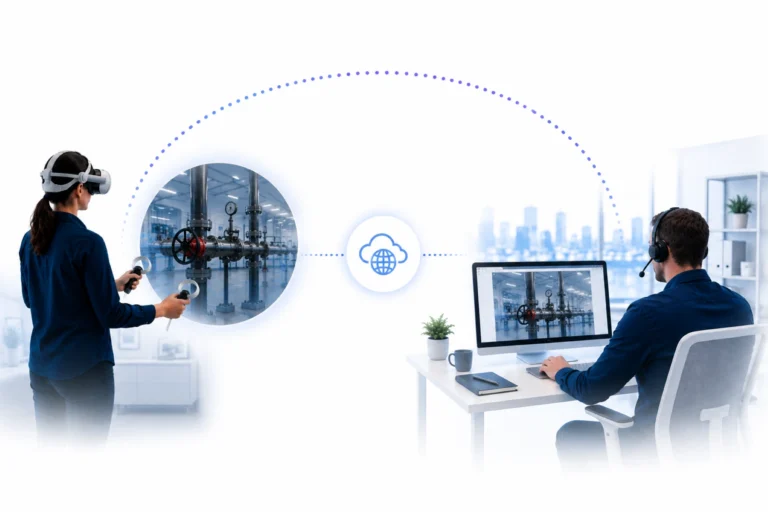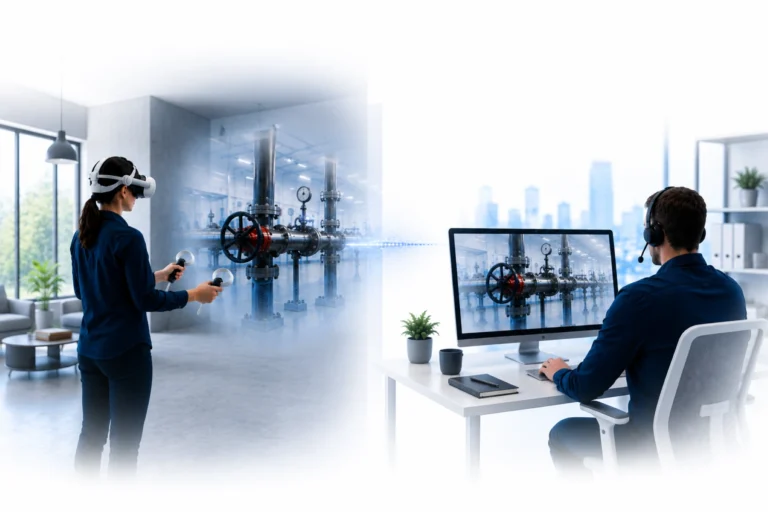

VR casting or VR streaming?
VR training is increasingly being used for onboarding, simulations, safety training, and technical instruction. Organizations often use VR casting to follow what a user sees inside the headset. For local sessions, that works well. But as soon as trainers want to guide users remotely, a clear limitation appears. At that point, simply mirroring the image is no longer enough, and internet-based VR streaming becomes the logical next step.
Why VR casting is useful for local sessions
VR casting makes visible what would otherwise remain hidden. Once someone puts on a VR headset, that person enters a digital environment that others cannot directly follow. By casting the image from the headset to a screen, a trainer, colleague, or group can watch the session in real time.
For demonstrations, classroom instruction, and local guidance, this is highly valuable. The trainer is in the same room, sees what the user sees on a screen, and can respond immediately. Within that type of local setup, casting does exactly what it is designed to do.
But that strength is also its limitation.
VR casting is mainly designed for local viewing, not for scalable remote guidance.
Where VR casting falls short
The limitation appears as soon as the trainer and user are no longer in the same room. In many cases, casting depends on the same network, local devices, or a physical training setup.
This makes VR casting less suitable for organizations that want to deploy VR training across multiple locations. A trainer cannot easily guide users remotely when the system is mainly designed to mirror content locally.
As a result, guidance remains dependent on physical presence. More training sessions quickly mean more trainers on-site, more scheduling, and more operational pressure.
For organizations that want to scale VR seriously, this becomes a structural problem.
Discover how trainers can watch live and guide VR users worldwide through browser-based VR streaming.
Why VR streaming offers more possibilities
VR streaming works from a different starting point.
Instead of mirroring the image locally, the live VR experience is streamed over the internet to a browser-based dashboard. This allows a trainer, supervisor, or expert to remotely follow what the user sees inside the headset.
That makes guidance far more flexible.
The trainer no longer needs to be in the same room. The user no longer needs to be in the same location. And the organization no longer has to depend on local casting setups.
With VR streaming, a workflow becomes possible in which live visibility, guidance, and support can be organized centrally.
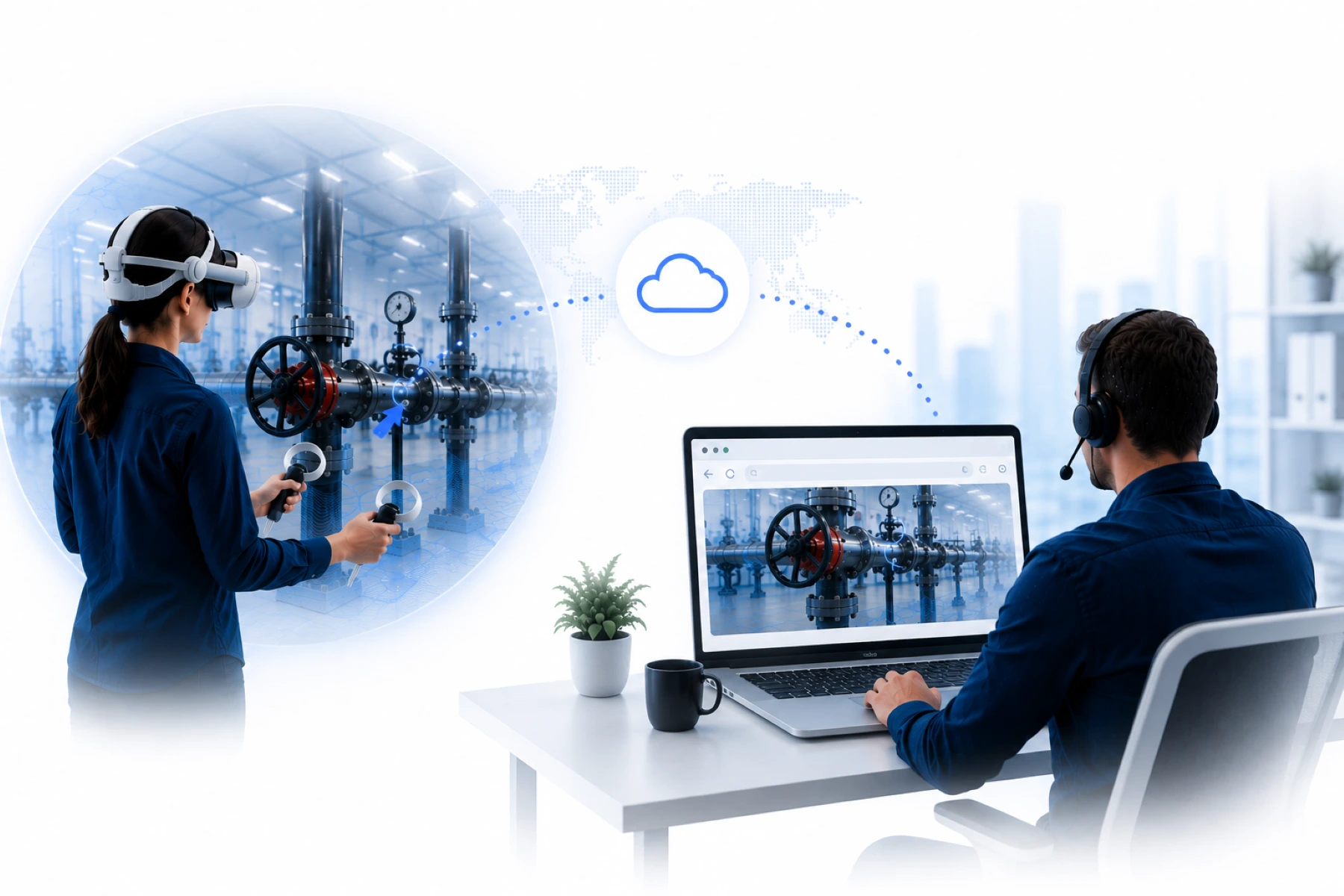
From local viewing to remote guidance
The real difference between VR casting and VR streaming is not only technical. The difference is mainly in how guidance is organized.
Casting allows someone to watch locally.
Streaming makes remote guidance possible.
That is an important distinction for VR training. A trainer does not only need to see what is happening, but also understand where someone is struggling and provide support at the right moment. Especially in training, onboarding, or technical instruction, that real-time insight is essential.
Without live visibility, VR training can quickly remain a closed experience for organizations. With VR streaming, the session becomes part of a connected process in which guidance, control, and support become easier to scale.
Learn how VR trainers can monitor users in realtime through a browser-based dashboard.
Why this matters for organizations
Many organizations start using VR from an innovation perspective. They test applications, train small groups, and use casting to watch locally. But once VR becomes part of a broader training program, the question changes.
It is no longer only about the VR application itself.
It is also about scalability, guidance, quality control, and the deployment of trainers across multiple locations. That is exactly where traditional casting falls short.
VR streaming is better aligned with that next phase. Trainers can follow sessions without traveling. Experts can be deployed centrally. Organizations gain more control over what happens during VR training, even when users are working across different locations.
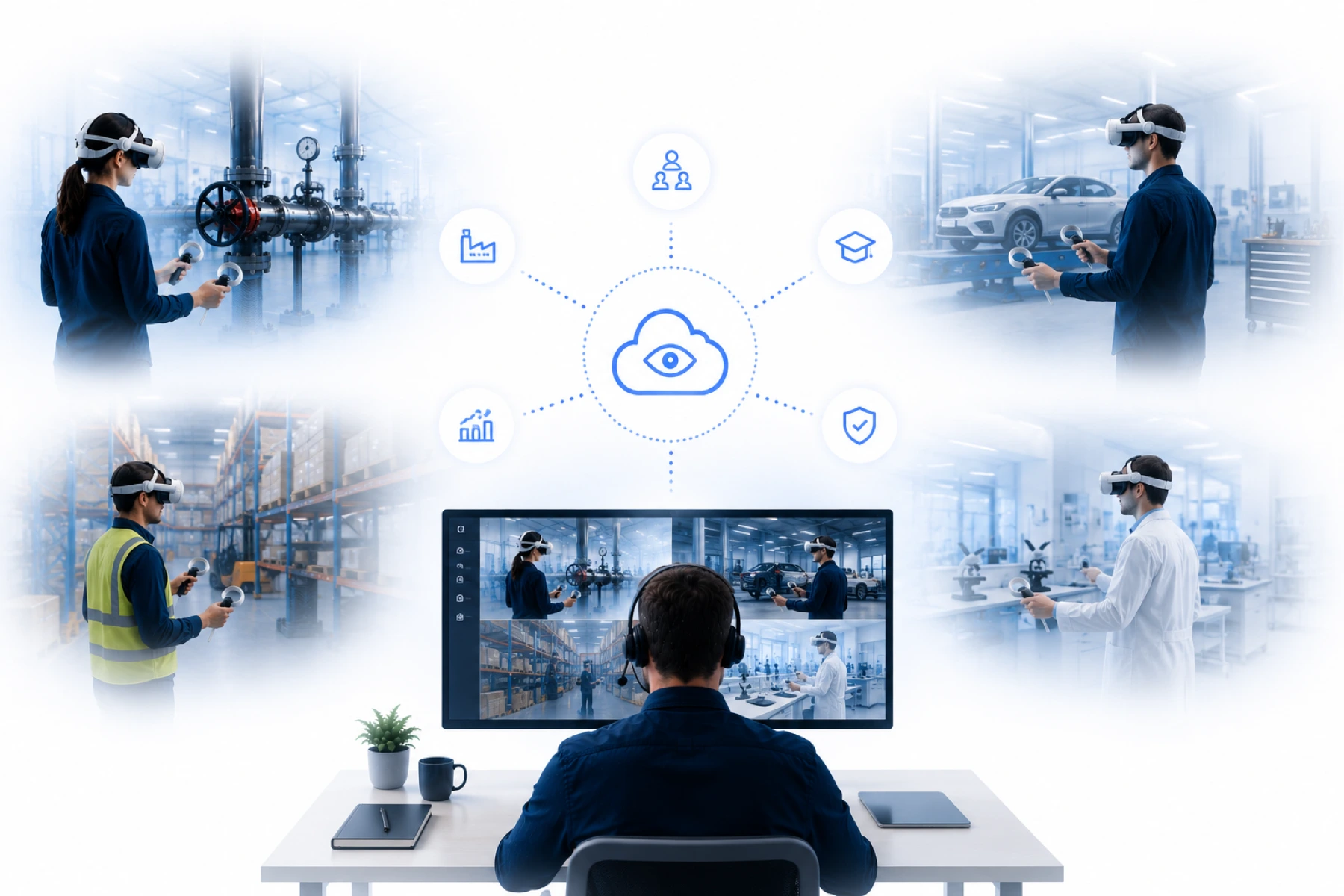
Browser-based VR streaming changes the workflow
An important advantage of modern VR streaming is that sessions can be followed through a browser.
This makes the workflow simpler. Trainers and experts do not need a complex local installation to watch a session. They open a browser dashboard and follow the session in real time over the internet.
For organizations, this means less dependence on local networks, physical training rooms, and separate casting setups. Guidance shifts from local improvisation to centralized organization.
That is exactly why browser-based VR streaming is becoming increasingly important within enterprise training and support.
Learn more about Remote Guidance
The role of XeeXR
GOTOVIAR developed XeeXR Remote Guidance for organizations that want to move beyond local VR casting.
XeeXR streams the live VR experience from standalone VR headsets to a browser-based dashboard. This allows trainers, supervisors, and support teams to follow users remotely in real time and provide direct guidance during the session itself.
The solution is developed for organizations that want to scale immersive training without depending on local guidance or physical presence.
Learn more about XeeXR
Conclusion
VR casting is valuable for local viewing, demonstrations, and small training setups. But as soon as remote guidance becomes important, casting offers limited possibilities.
VR streaming makes it possible to watch live over the internet, guide users remotely, and deploy trainers more centrally.
As a result, VR training shifts from local viewing to scalable Remote Guidance. For organizations that want to deploy immersive training more broadly, this is not a small technical difference, but a fundamental step forward.
Frequently asked questions about VR casting and VR streaming
What is the difference between VR casting and VR streaming?
VR casting usually mirrors the image from a VR headset locally to a screen. VR streaming makes it possible to follow the live VR experience over the internet, enabling remote guidance.
Why is VR casting limited for remote guidance?
VR casting is mainly designed for local use within the same room or the same network. This makes it less suitable for organizations that want to guide VR training across multiple locations.
When is VR streaming better than VR casting?
VR streaming is especially relevant when trainers, experts, or supervisors want to watch users remotely in real time. This makes it suitable for training, support, and guidance across multiple locations.
Can VR streaming be used for VR training?
Yes. VR streaming makes it possible to follow VR training sessions live and guide users in real time without the trainer needing to be physically present.
Which VR headsets are suitable for XeeXR Remote Guidance?
XeeXR Remote Guidance is mainly used with standalone VR headsets such as PICO 4 Enterprise, Meta Quest 3, and Meta Quest 3S.
Start a free trial with no obligation
Curious how VR streaming works in practice?
GOTOVIAR offers an Early Access program for organizations that want to start early with XeeXR Remote Guidance for standalone VR headsets.
Discover how live VR streaming through a browser-based dashboard works, guide users remotely in real time, and experience how immersive training becomes more scalable without depending on local casting.
Start a free trial with no obligation and discover how XeeXR Remote Guidance works in practice.