
Live remote viewing in a VR headset
Virtual Reality is increasingly being used for training, onboarding, simulations, and technical support. Organizations are heavily investing in immersive technology to make processes more realistic, more efficient, and easier to scale. Yet one challenge remains highly visible: visibility itself.
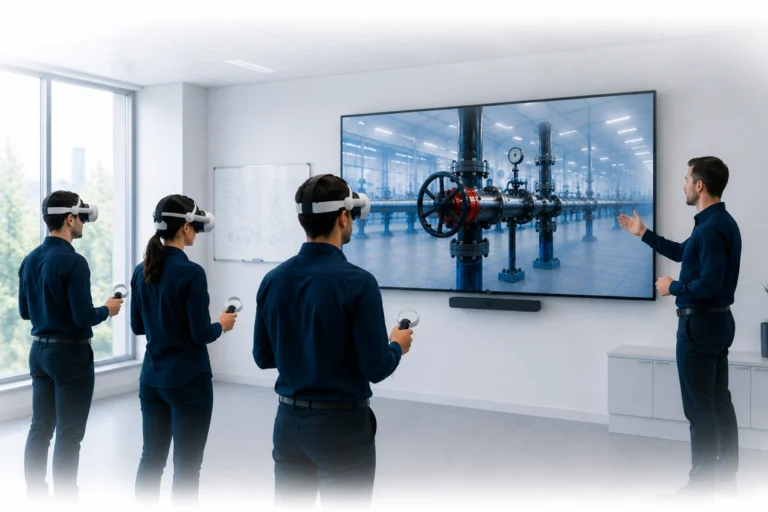
Once someone puts on a VR headset, that user becomes fully immersed in a digital environment that is difficult for others to follow. That creates an important challenge for trainers, supervisors, and support teams.
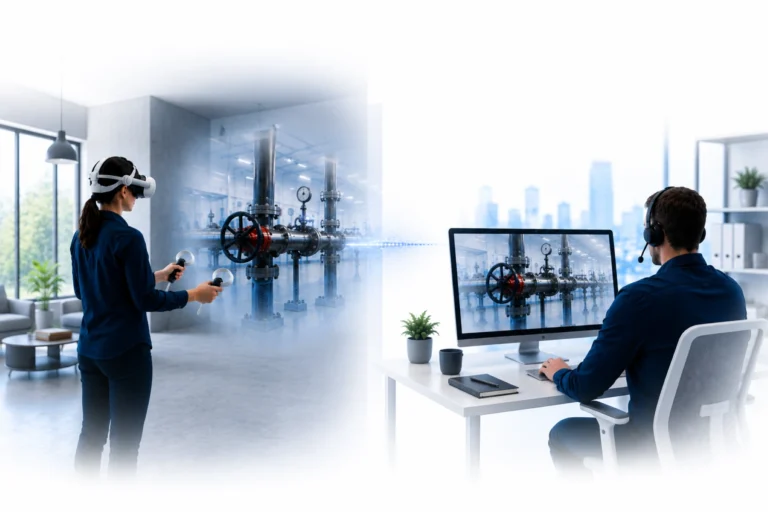
How can you enable live remote viewing in a VR headset without being physically present?
For many organizations, this is becoming increasingly important as immersive training shifts from experimental technology to a serious part of operational workflows.
Why live remote viewing in a VR headset is becoming increasingly important
In every form of training, visibility determines the quality of guidance. A trainer needs to understand what a user sees, where someone is looking, and which actions are being performed during a VR session.
Without live insight, guidance is largely based on assumptions. Problems are noticed later, support comes too late, and mistakes remain part of the learning process for longer than necessary.
Many organizations therefore notice that the quality of VR content is improving rapidly, while visibility around users is lagging behind. That is exactly where the next step in immersive training and support begins.
Live remote viewing in a VR headset makes it possible to organize guidance in a more centralized, consistent, and scalable way.
Discover how organizations guide VR training sessions live from a remote location without relying on local casting.
Why VR casting remains limited
Many organizations use casting solutions to follow what a user sees in a VR headset. The image from the headset is mirrored to a monitor, television, or computer.
Although this may seem practical, casting is mainly designed for local use. The trainer and user are usually in the same room or connected to the same network. As soon as organizations want to deploy immersive training across multiple locations, limitations in flexibility and scalability quickly appear.
In addition, casting remains largely passive. A trainer can watch, but the technology is not designed around structured remote guidance.
That difference becomes increasingly important as VR is used more professionally in enterprise environments.
Discover why traditional casting has limitations for professional remote VR guidance.
How live remote viewing in a VR headset works
To enable true live remote viewing in a VR headset, internet-based VR streaming is required.
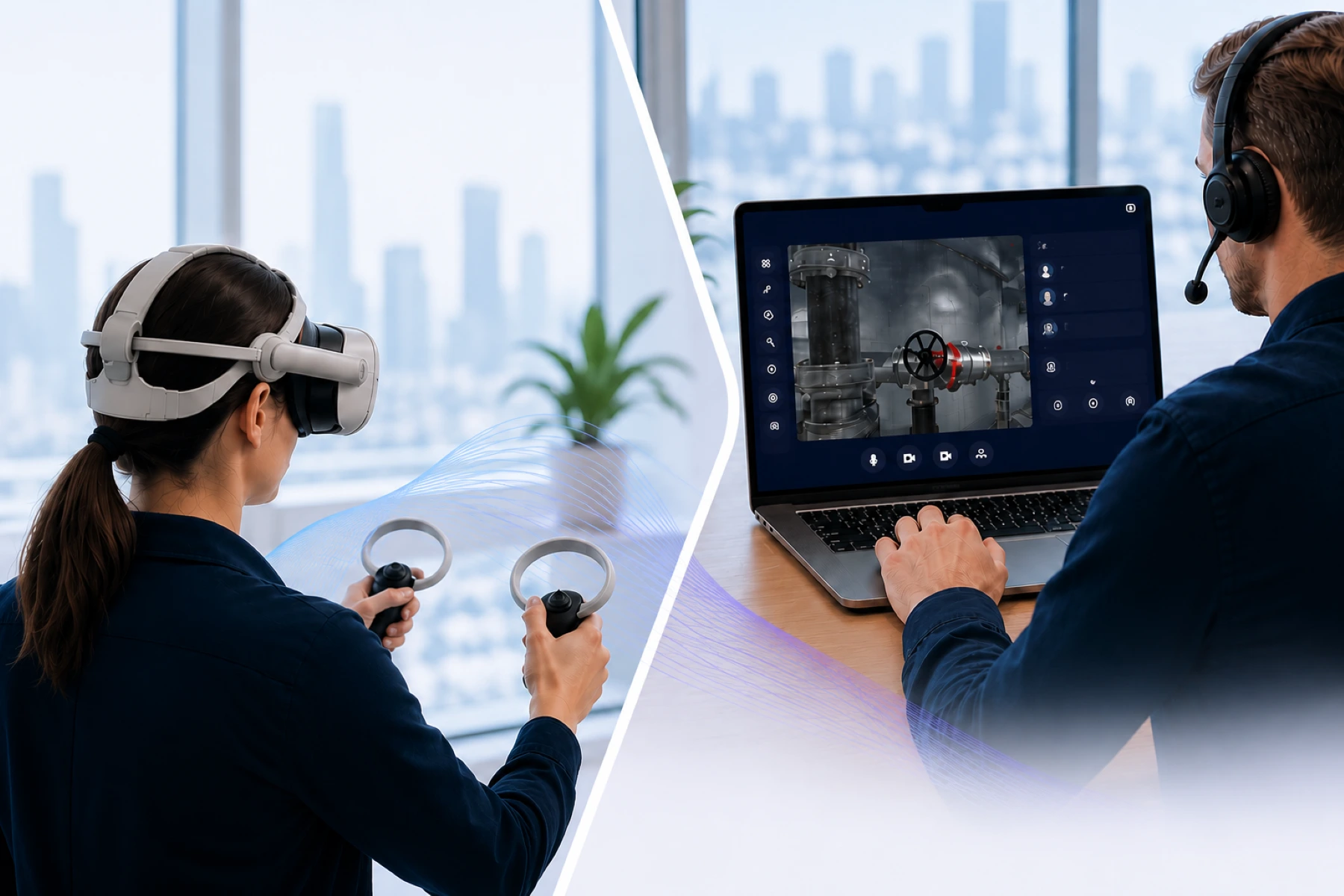
With this approach, the live VR experience is streamed directly to a browser-based dashboard where a trainer, expert, or supervisor can follow the session in real time. This provides immediate insight into what the user sees and experiences during the VR session itself.
That changes how guidance works.
A trainer no longer just watches passively, but understands in real time what is happening inside the headset. Problems become visible the moment they occur, and support can be provided immediately without physical presence.
Live remote viewing in a VR headset therefore changes immersive training from an individual experience into a connected and actively guided process.
Discover more about Remote Guidance
Why remote visibility is becoming increasingly important in VR
As organizations scale immersive technology, the need for centralized guidance and real-time support also grows.
Experts cannot be physically present everywhere. Trainers need to be deployed more efficiently, and organizations want greater control over how VR training sessions take place across locations, teams, and users.
Remote visibility makes this possible.
A trainer can follow users from the office while they are working in other locations, or provide international support without travel. As a result, expertise becomes more centrally available and a much more scalable model for immersive training and support emerges.
It is precisely this combination of live visibility and remote guidance that will become increasingly important within enterprise XR workflows in the coming years.
Browser-based VR streaming changes the workflow
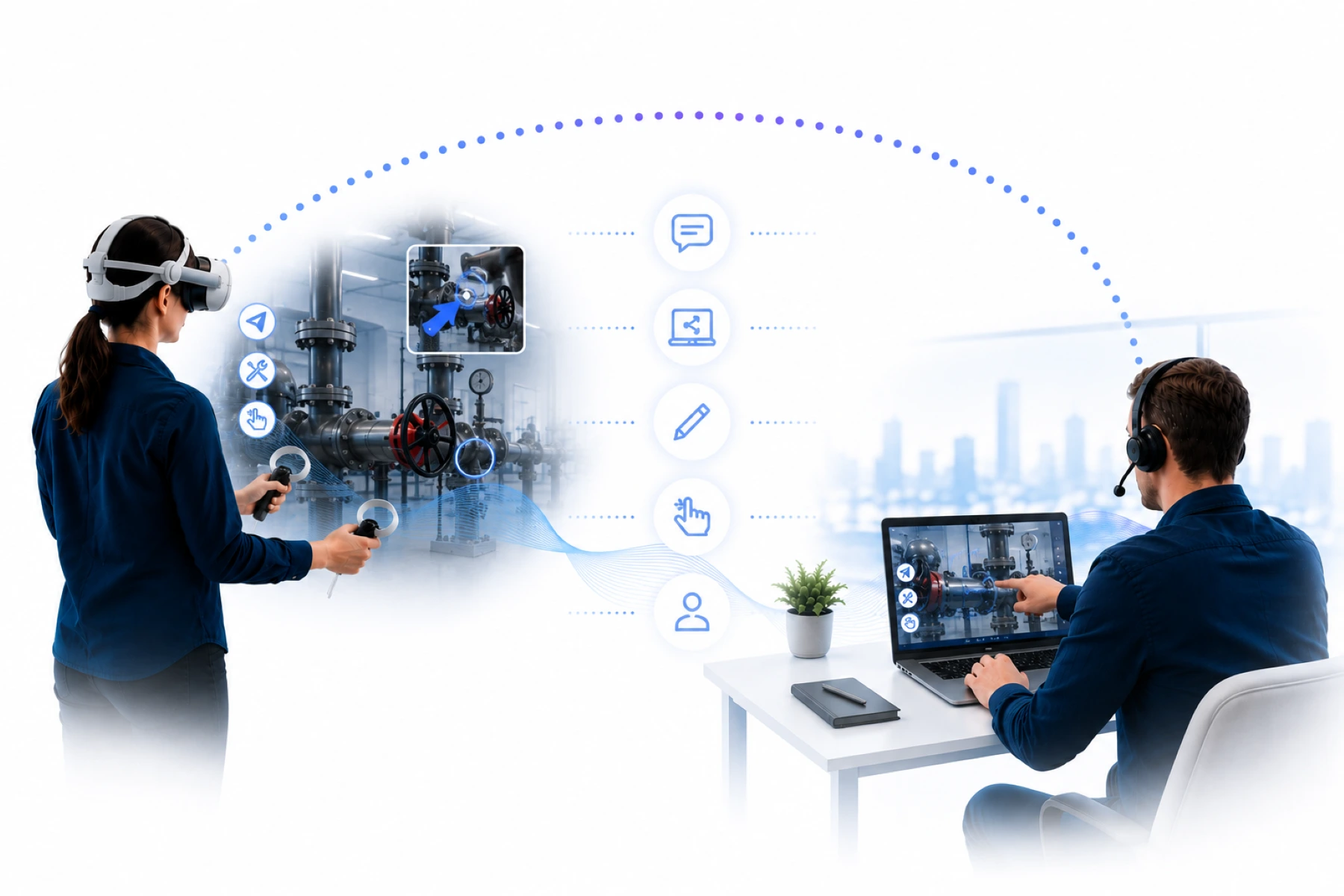
An important difference compared to traditional solutions is that modern Remote Guidance platforms can work browser-based.
As a result, no complex local installation is required to follow VR sessions. Trainers and experts can simply use a browser to watch live from a standalone VR headset over the internet.
That may seem like a small technical detail, but operationally it fundamentally changes the workflow. Organizations become less dependent on local casting setups and the physical presence of trainers.
This is becoming especially relevant for larger organizations, where immersive technology is shifting from innovation project to a structural part of training and support.
The role of XeeXR
GOTOVIAR developed XeeXR Remote Guidance specifically to enable live remote viewing in a VR headset.
Instead of relying on traditional casting, XeeXR streams the live VR experience from standalone VR headsets to a browser-based dashboard. This allows trainers, supervisors, and support teams to follow in real time what a user sees and experiences during the session itself.
The solution is developed for organizations that want to scale immersive training and support without depending on local guidance or physical presence.
Learn more about XeeXR
Conclusion
Live remote viewing in a VR headset is becoming increasingly important as organizations use immersive technology more professionally for training, onboarding, and support.
Local casting solutions only solve part of this challenge. For scalable guidance and real-time support, an internet-based approach is needed that allows trainers and experts to watch live during the VR experience itself.
Remote Guidance provides exactly that foundation and changes VR from an individual experience into a connected and scalable process for modern organizations.
Frequently asked questions about live remote viewing in a VR headset
How can you enable live remote viewing in a VR headset?
By using live VR streaming over the internet, the image from a standalone VR headset can be sent in real time to a browser dashboard where trainers or experts can watch live.
What is the difference between VR casting and live VR streaming?
VR casting is usually intended for local use within the same network or the same room. Live VR streaming makes it possible to watch a VR headset remotely in real time over the internet.
Why is live viewing important in VR training?
Live viewing makes it possible to guide users in real time, identify mistakes faster, and organize training more consistently across multiple locations.
Can live viewing be used across multiple locations?
Yes. Trainers and experts can guide users in different locations without being physically present. This makes immersive training more scalable for larger organizations.
Which VR headsets are suitable for Remote Guidance?
Remote Guidance is mainly used with standalone VR headsets such as the PICO 4 Enterprise, Meta Quest 3, and Meta Quest 3S because they are suitable for live streaming over the internet.
Start a free trial with no obligation
Curious what live remote viewing in a VR headset looks like in practice?
GOTOVIAR offers an Early Access program for organizations that want to start early with XeeXR Remote Guidance for standalone VR headsets.
Discover how live VR streaming through a browser-based dashboard works, follow VR sessions in real time, and experience how remote guidance can make immersive training more scalable within your organization.
Start a free trial with no obligation and discover how XeeXR Remote Guidance works in practice.