
XeeXR Remote Guidance updated: a new design and clear controls
A completely redesigned app in the VR headset. A new Viewer in the GOTOVIAR Portal. With this update, GOTOVIAR gives XeeXR Remote Guidance a fresh look, with a clear interface and updated menus for both the user and the guide.
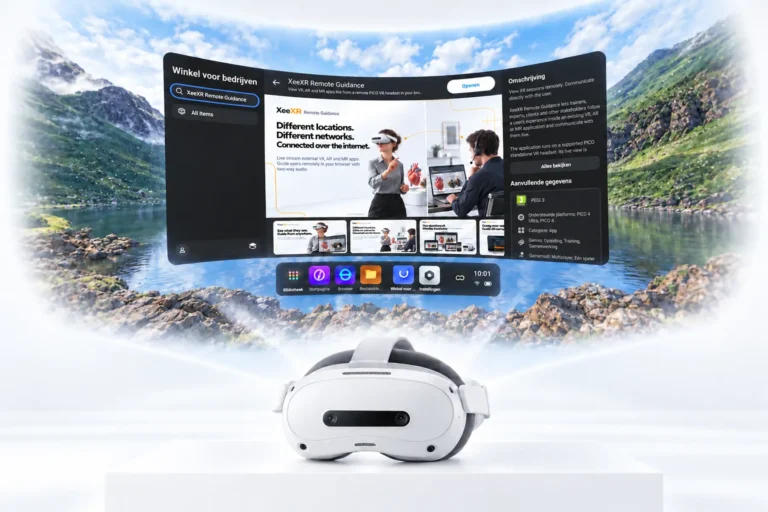
With XeeXR Remote Guidance, you can see live what someone sees in an existing VR, AR or MR application over the internet and communicate through two-way audio. You and the user can be on different networks in different locations, without development work or changes to the XR application.
This update focuses on the environment that makes that guidance possible: the Remote Guidance app in the headset and the XeeXR Viewer in the GOTOVIAR Portal. Both have been completely redesigned, with attention to clarity, recognisable controls and a consistent look.
The redesigned app: a clear way to get started
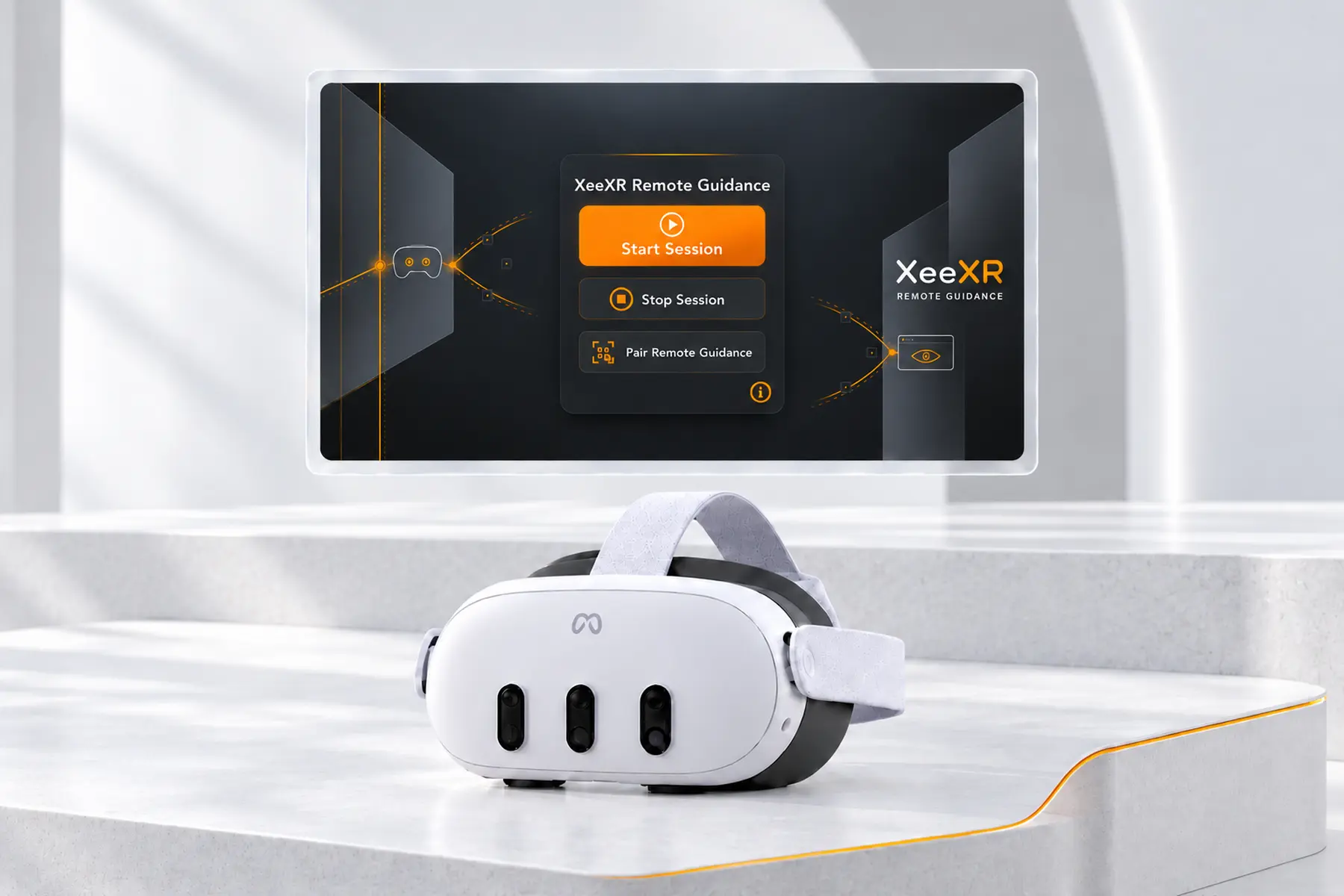
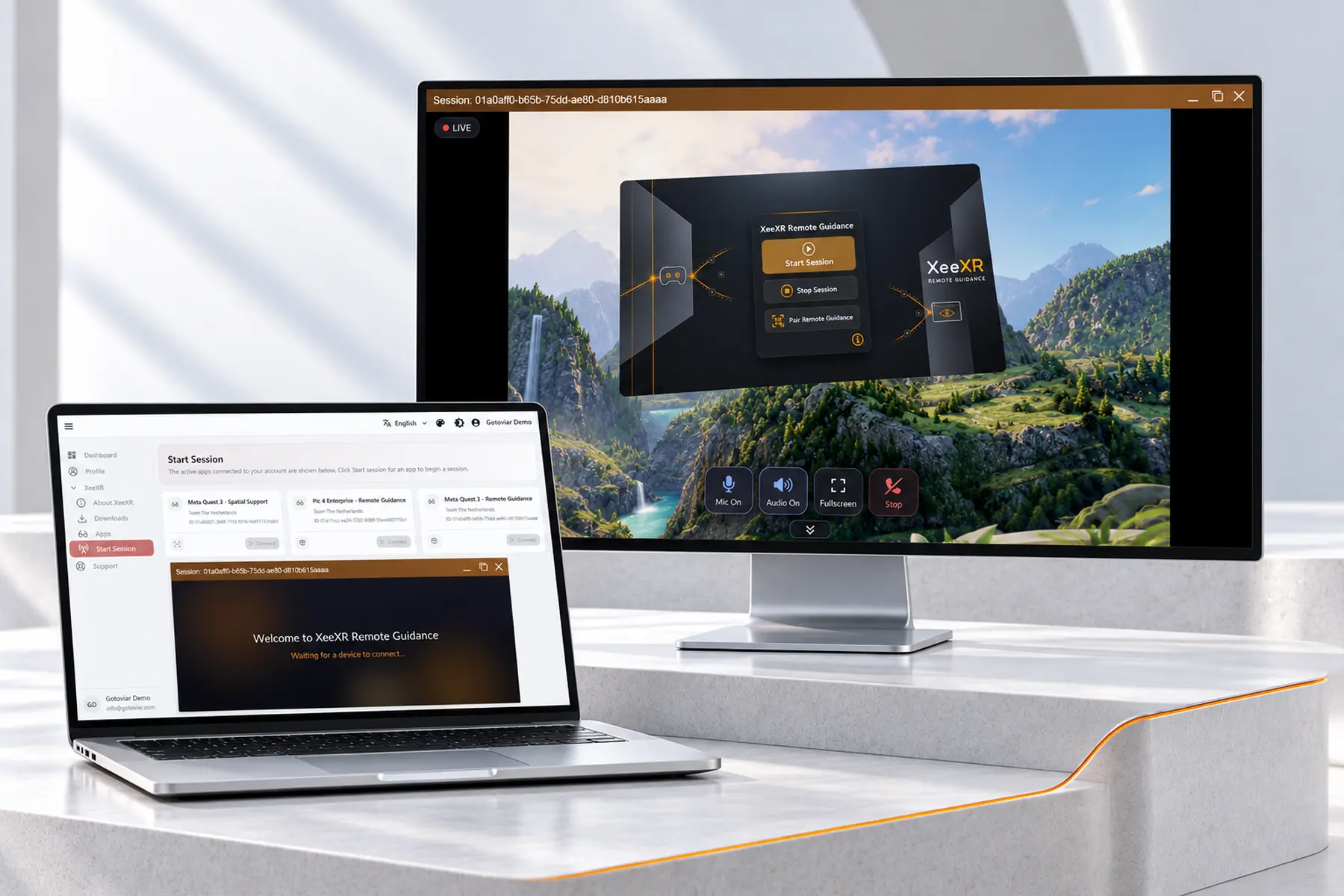
The Remote Guidance app has a completely new design. The main menu brings together the controls for pairing the app and starting and stopping a session in a clear layout.
The app includes a brief explanation of how Remote Guidance works. The user also receives an alert if something goes wrong, for example when pairing fails or there is no internet connection. This makes it clear why the user cannot proceed.
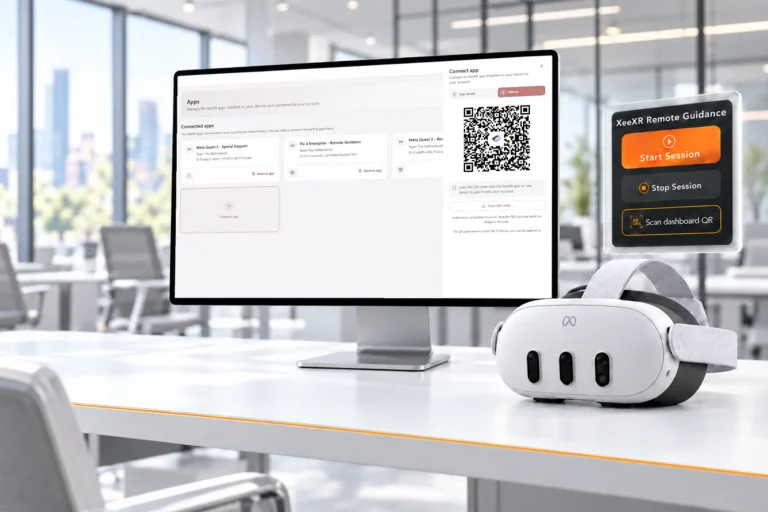
The previously introduced QR pairing also makes getting started easy. Generate a QR code in the GOTOVIAR Portal and scan it with the Remote Guidance app on your VR headset. One scan and the app is paired. Our earlier product update on QR pairing shows how this works.
Once the session is connected, open the XR application in which you want to receive guidance. The expert follows along live from the portal.
QR Pairing
The redesigned Viewer: video and audio controls within reach
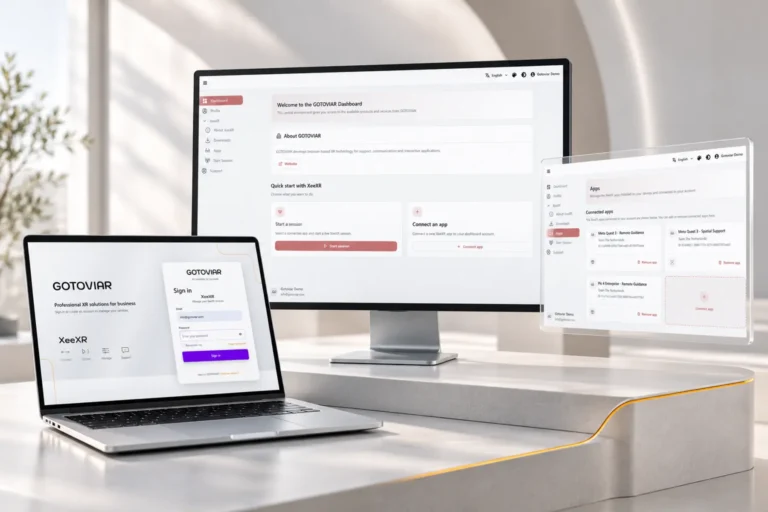
The XeeXR Viewer also has a completely redesigned interface and updated menus. The live stream takes centre stage, with the controls within reach while you guide the user.
As a guide, you can mute your own microphone. This is useful when you temporarily do not want to transmit sound, for example during a brief discussion with a colleague. When you resume the guidance, simply turn your microphone back on.
You can also mute the audio from the headset. Your own microphone and the incoming audio can be controlled separately. This lets you decide when you can be heard and when you hear audio from the headset.
With full-screen mode, you give the live stream more space. This is useful when you want to follow an action, discuss part of the XR application or make the video the focus during a demonstration.
The updated menus bring these functions together in a clear location. You can control video and audio while following the session and respond directly to what the user does or asks.
One consistent Remote Guidance experience
The app and the Viewer are the two sides of the same session. With this redesign, they also share a consistent visual style, while each interface retains its own role.
The user pairs and starts the app in the VR headset. The trainer or expert follows and guides the user from the GOTOVIAR Portal. Your existing training, simulation or XR software remains the starting point.
Your experience helps us move forward
We continue to develop Remote Guidance. Is there a feature missing that would make your training, demonstrations or guidance easier? Feature requests are always welcome.
Tell us what you would like to do and in which situation you need it. That practical experience helps us shape future improvements with a clear purpose.
Available for Meta Quest and PICO
XeeXR Remote Guidance supports Meta Quest 3, Meta Quest 3S and PICO 4 Ultra Enterprise. The user installs the app on the VR headset. As a guide, you follow the session through the XeeXR Viewer in the GOTOVIAR Portal.
Experience the redesigned app and Viewer
Try XeeXR Remote Guidance with the XR applications you already use. Start a free 14-day trial, with no credit card required. The trial ends automatically.