
XeeXR Remote Guidance updated in the PICO Business Store
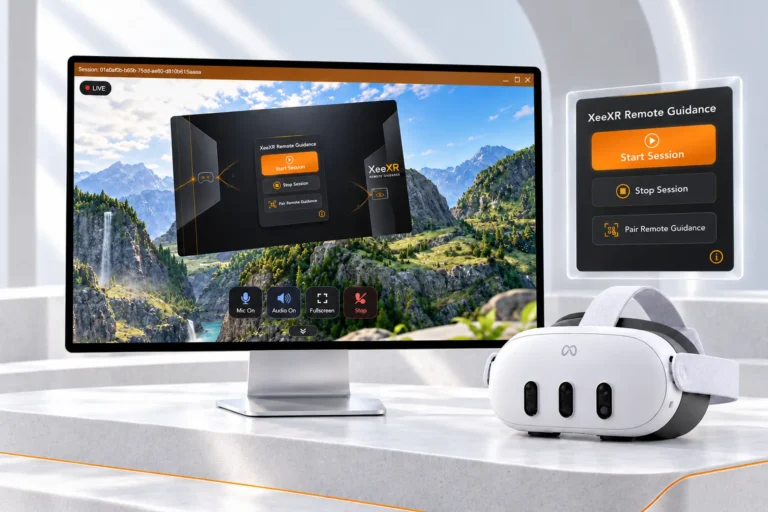
We’ve updated XeeXR Remote Guidance in the PICO Business Store. The latest release includes all our recent app improvements: a completely refreshed design, clearer instructions and alerts, and self-service pairing with our new QR pairing method.
Get your PICO headset ready for live remote guidance within the VR, AR and MR applications you already use.
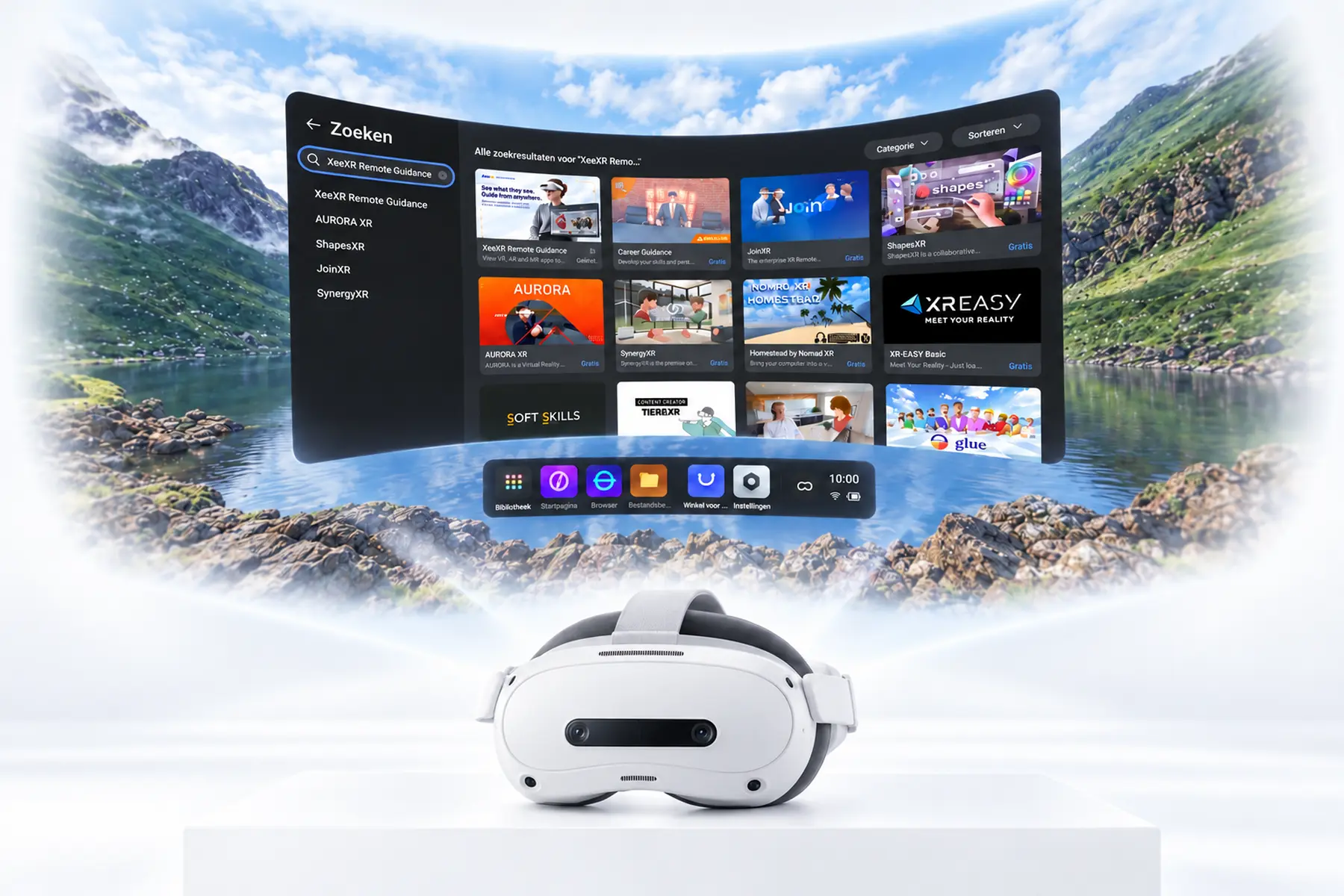
Find and download Remote Guidance in the PICO Business Store
The PICO Business Store is PICO’s app store for professional use. It offers businesses, trainers and educational institutions XR applications for training, education, design and collaboration on PICO Enterprise headsets.
For PICO 4 Ultra Enterprise users, we recommend installing the app directly from this store. Open the PICO Business Store on your headset, search for XeeXR Remote Guidance and download the app. Already using Remote Guidance? Update your app to the latest version.
Discover more about Remote Guidance
Start your Free Trial and pair with a QR code
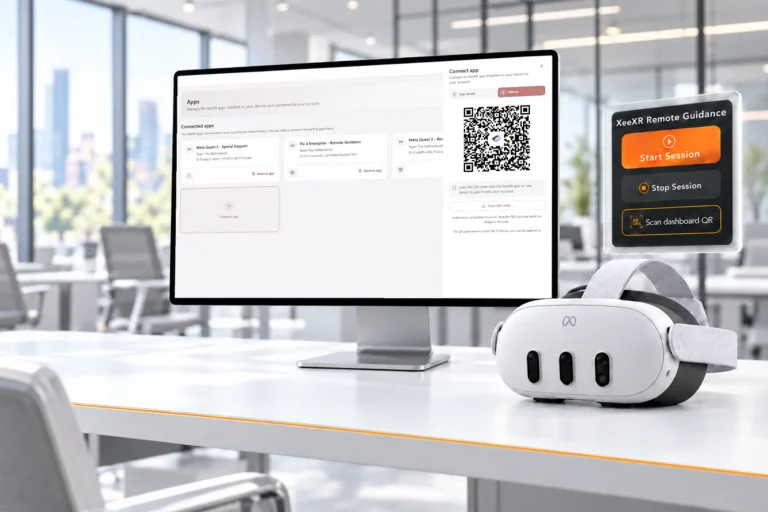
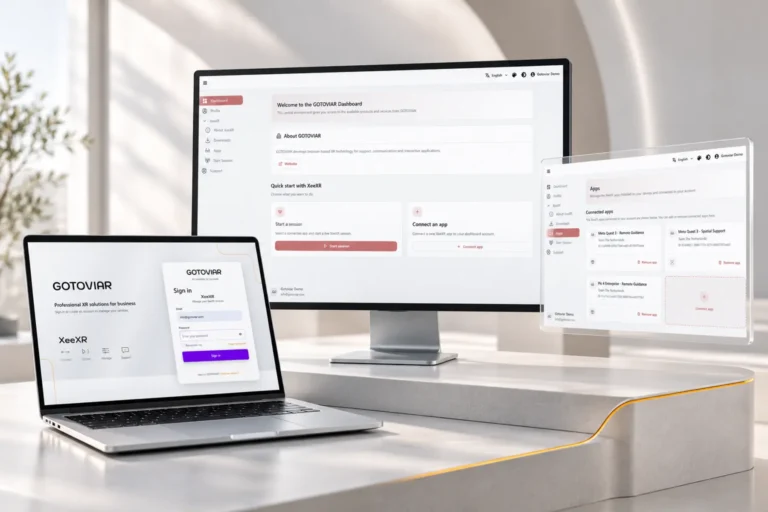
You can set up and try Remote Guidance yourself. Create an account in the GOTOVIAR Portal and start your Free Trial. Then generate a QR code in the portal and scan it using the Remote Guidance app on your headset. Your app is now paired with your account.
Start a session and open your existing XR application. As a trainer or expert, you can watch the headset user’s view live in your browser and communicate through two-way audio. Even when you’re in different locations and on different networks.
Keep your existing XR application. Remote Guidance adds live viewing and remote communication, without development work or changes to that application.
Start your Free Trial and try Remote Guidance with your PICO 4 Ultra Enterprise.