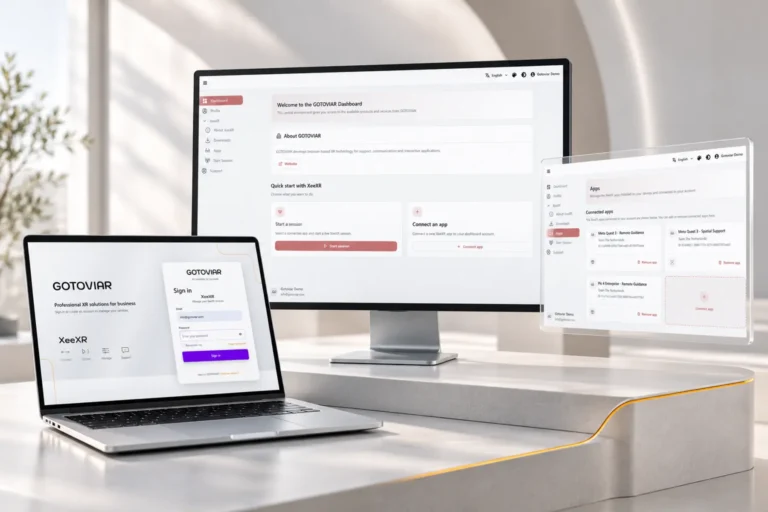

XeeXR Remote Guidance is now available in the Meta Horizon Store!
Delivering VR training on Meta Quest? Now you can guide your participants remotely.
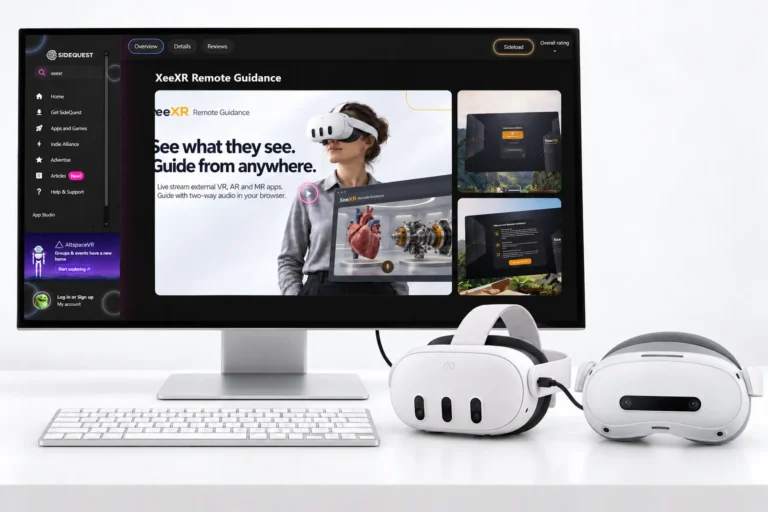
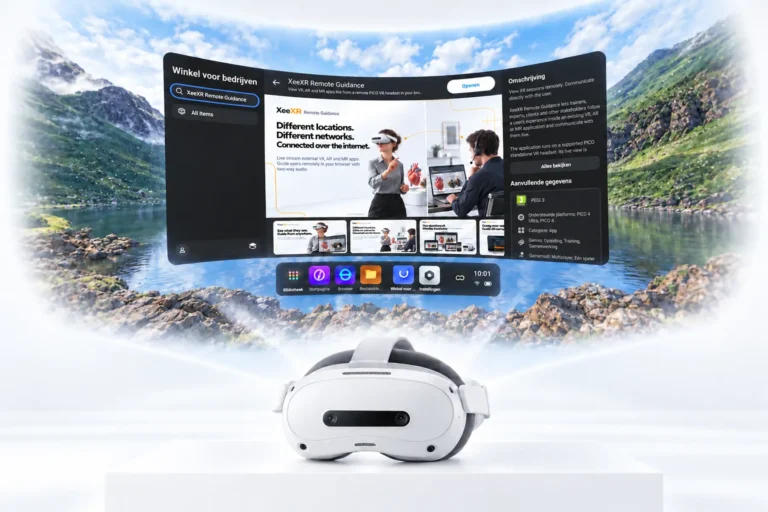
XeeXR Remote Guidance is now available in the Meta Horizon Store for Meta Quest 3 and Meta Quest 3S. Add live remote guidance to the VR, AR and MR applications you already use.
View XeeXR Remote Guidance in the Meta Horizon Store
Your participant in the headset. You guiding remotely.
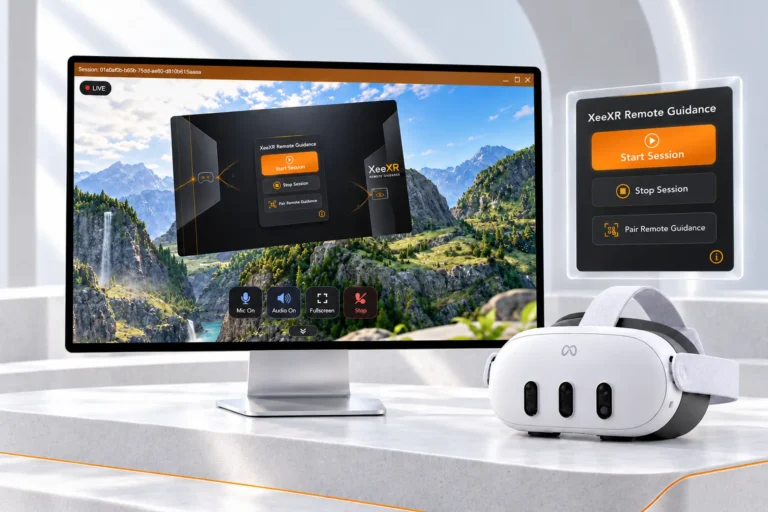
Your participant is taking part in a VR training session. You watch their view live in your browser, answer questions and provide explanations through two-way audio. The connection runs over the internet, so you can each be in a different location and on a different network.
As the trainer, you don’t need a second VR headset or your own installation of the external XR app. Simply open the XeeXR Dashboard in your browser and connect.
Your existing XR application keeps running. Remote Guidance adds your guidance, without development work or changes to that application.
Discover more about Remote Guidance
Get more from the VR training you already offer
Remote Guidance lets you support participants without travelling to their location for every session. You see what they see in the headset and can answer questions or provide additional explanations during training.
This gives you more flexibility to share your expertise across locations. You can also support participants as they continue practising independently after an introduction or when they need help during a session.
Businesses can bring their own experts into sessions remotely. XR app developers can guide customers live during a demonstration or while they use an application.
It’s another way to put your existing XR investment to work: live observation, personal guidance and direct communication throughout the experience.
Install directly from the Meta Horizon Store
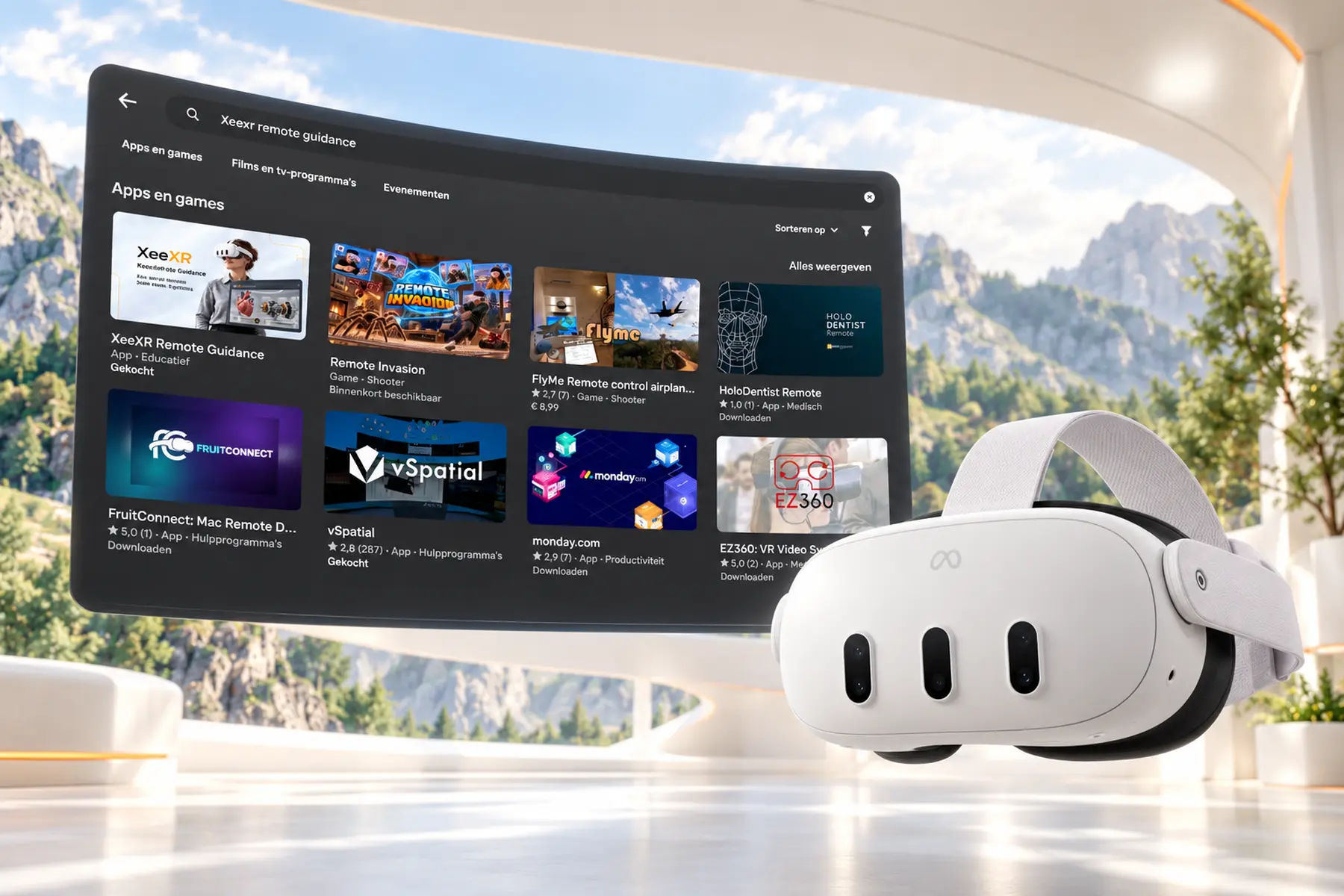
Search for XeeXR Remote Guidance in the Meta Horizon Store and install the app on your Meta Quest 3 or Meta Quest 3S.
Installation is handled directly through the store. No sideloading, USB cable or Developer Mode is required.
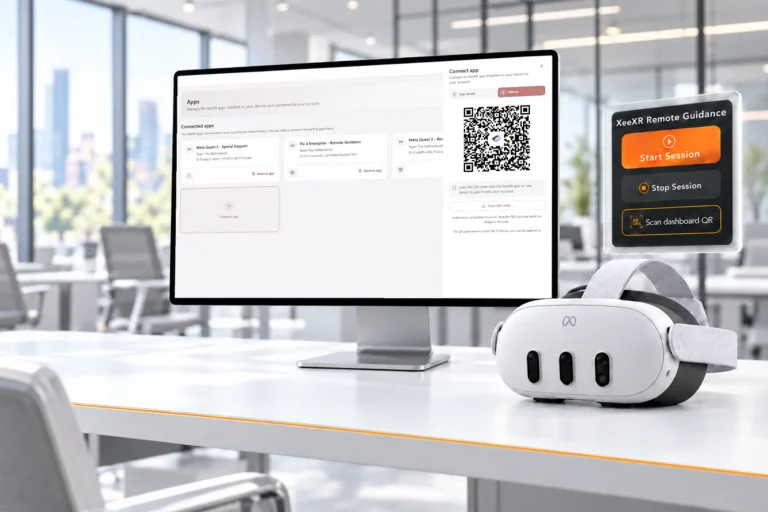
The app includes our refreshed design, clear instructions and alerts, and the new QR pairing method. Pair the app with the GOTOVIAR Portal yourself and you’re ready to set up your first session.
Try it with your own VR training
Create an account in the GOTOVIAR Portal and start your 14-day Free Trial. Generate a QR code in the portal and scan it using the Remote Guidance app on your headset.
Click ‘Connect’ in the dashboard and ‘Start Session’ on the headset. Either order works. Then open your existing XR application and experience how you can guide a participant remotely through your own training, demonstration or simulation.
No credit card required. The trial ends automatically.
Your VR training. Your expertise. Now available remotely.