

XeeXR Remote Guidance
Guide XR training remotely, without the limitations of local casting
In XR training, guidance is often decisive for the result. A trainer needs to see what the participant experiences in the VR headset, which steps are being performed, and where someone gets stuck. That is why XR is often cast locally to a screen today, allowing the trainer to follow along and make adjustments directly.
This approach works well within a single room, but becomes limited as soon as the trainer and participant are not in the same location or on the same network. As a result, many XR training sessions remain dependent on physical presence.
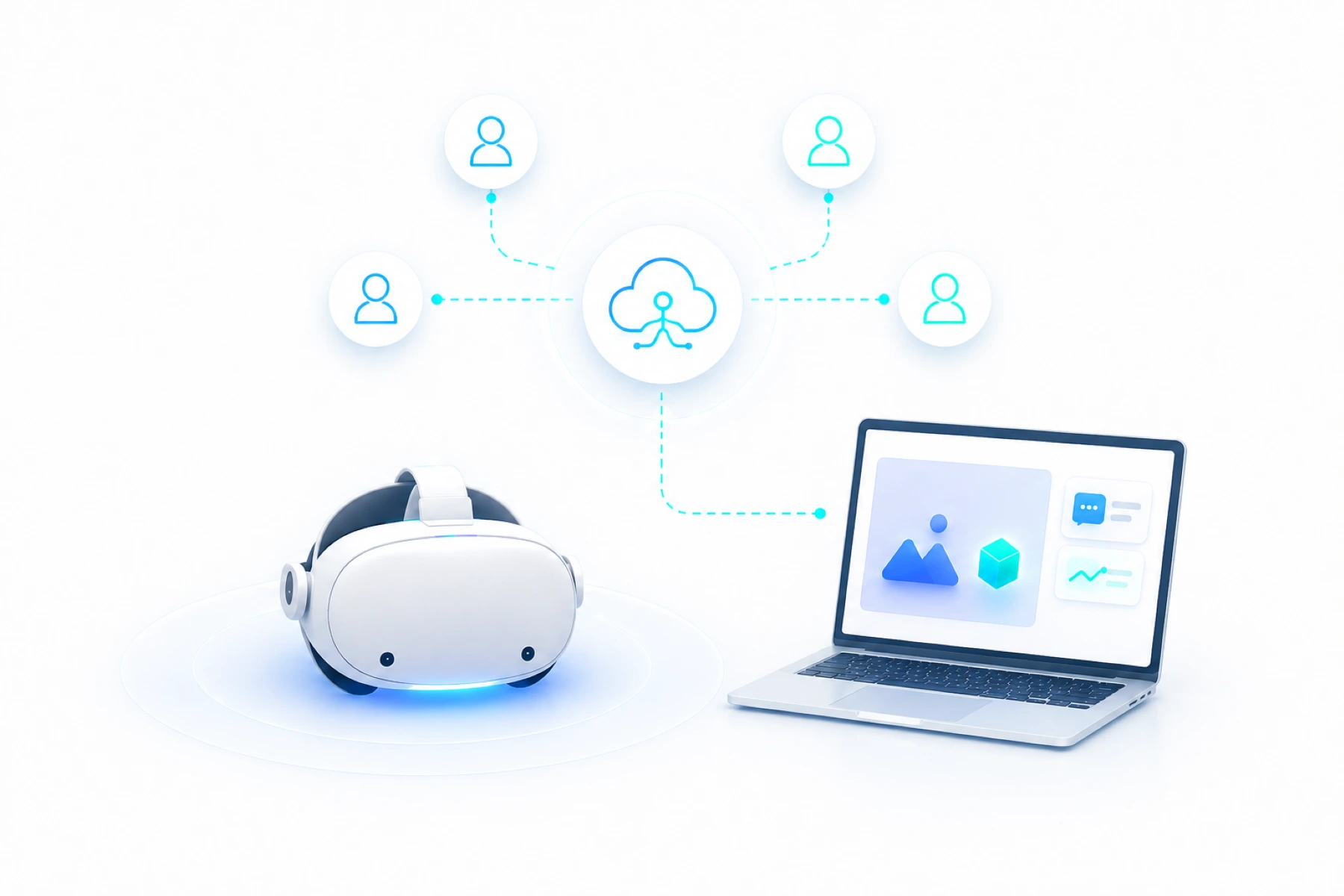
XeeXR Remote Guidance removes that limitation. Everything that happens inside the VR headset, including external XR applications, is streamed live via the internet to a browser dashboard. This allows a trainer to follow along, guide, and support users during the training itself from any location.
Get started with Remote Guidance
You already have your XR application. Ready to add live remote guidance?
Experience how you can view the user’s perspective live, communicate and guide them through your existing XR applications. No development work required. Connect over the internet, across locations and networks.
Explore the options below and start your free trial.
From local casting to XR streaming
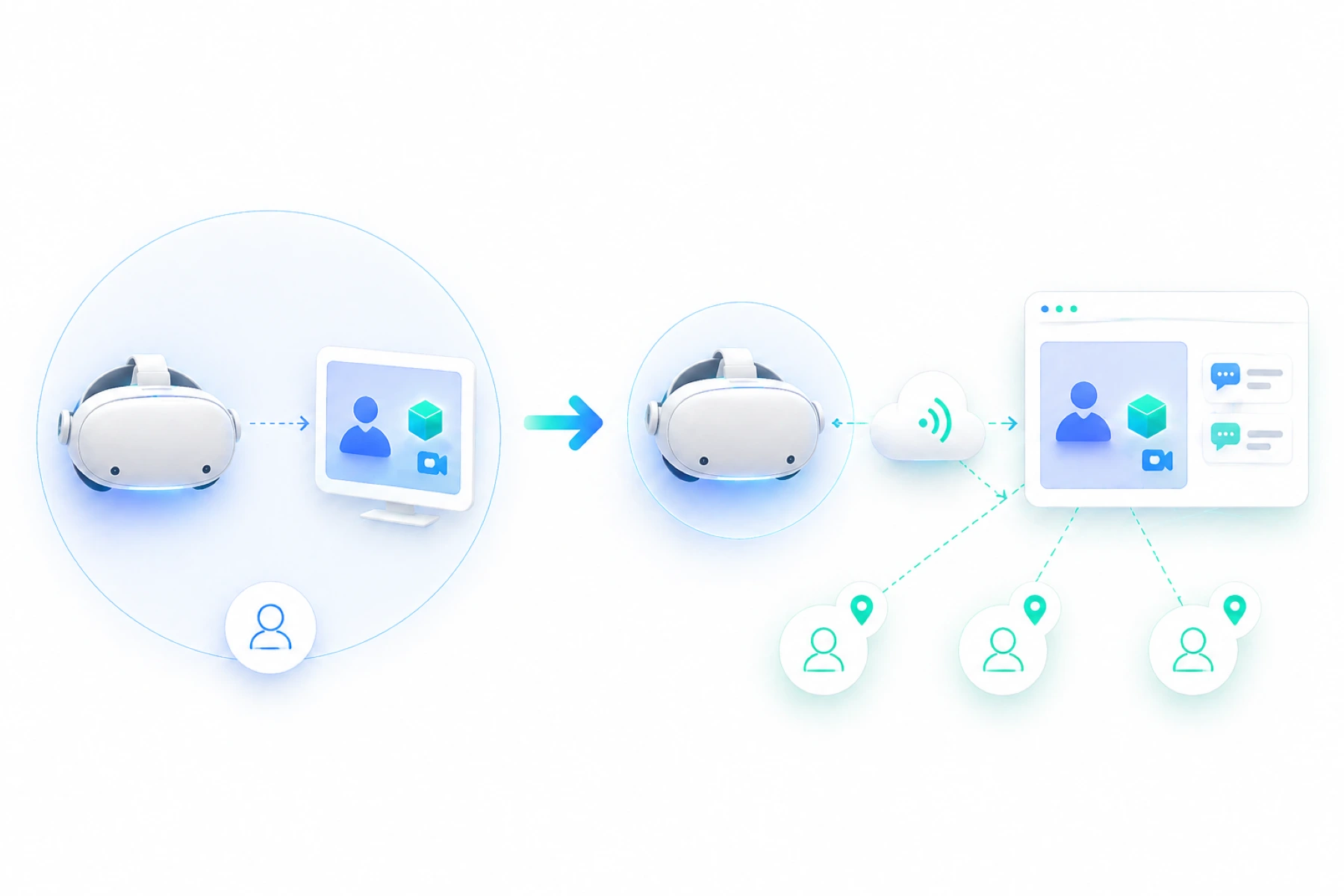
XR training often relies on casting to a screen, allowing a trainer to follow along and guide participants during the session. This works well within one room, but remains dependent on the same location and the same network.
XeeXR Remote Guidance removes that limitation. Everything that happens inside the VR headset is streamed live via the internet to a browser dashboard. This allows a trainer to follow along, give instructions, and guide users from any location, as if standing next to the participant.
This means XR training is no longer limited by the training room, but can be deployed at scale across multiple locations.
Works with existing XR applications
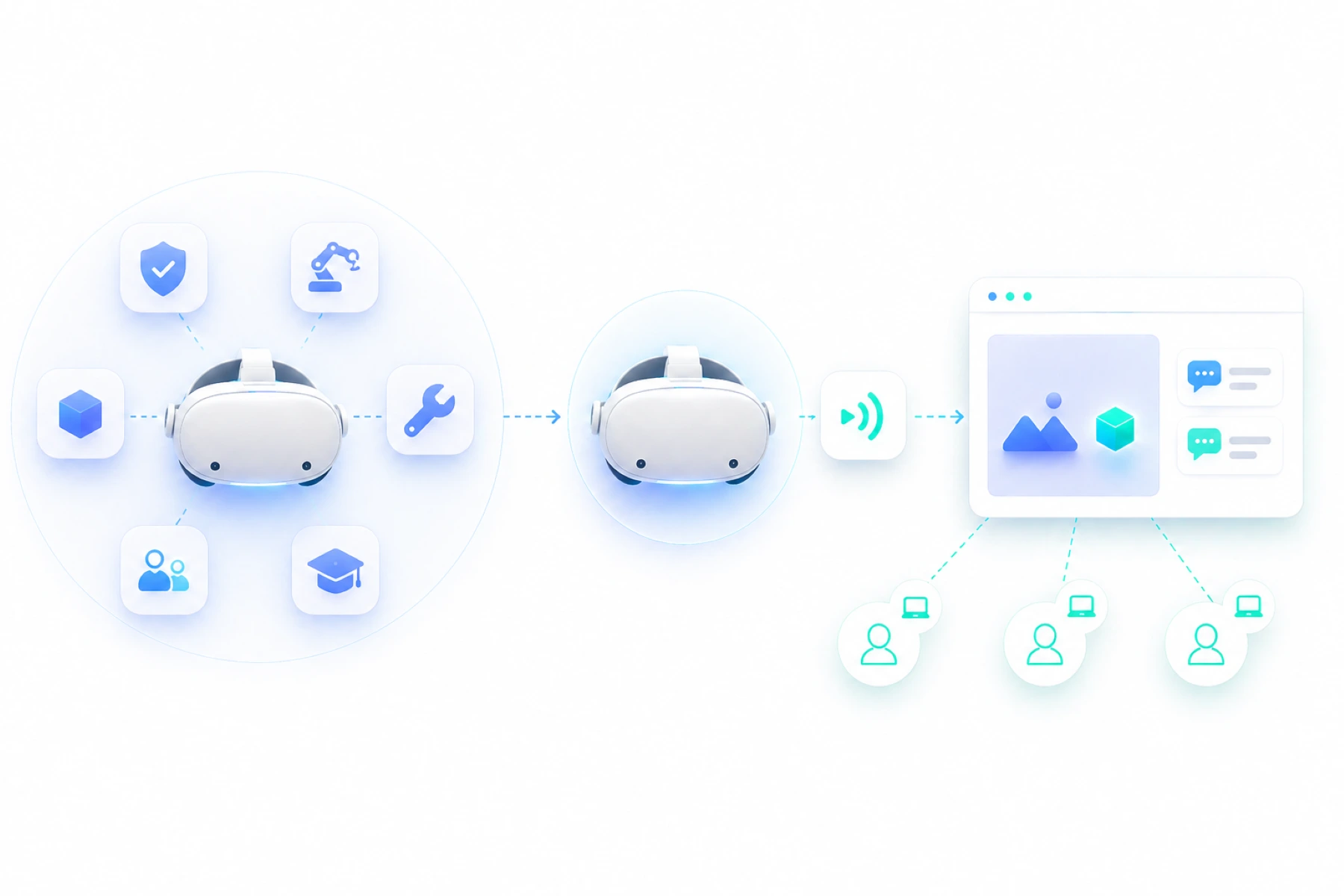
XeeXR Remote Guidance connects to existing XR applications. The participant opens the training, simulation, or software in the VR headset as usual.
Think of safety training, technical simulations, maintenance training, onboarding modules, soft skills training, educational VR, AR and MR environments or custom-developed applications.
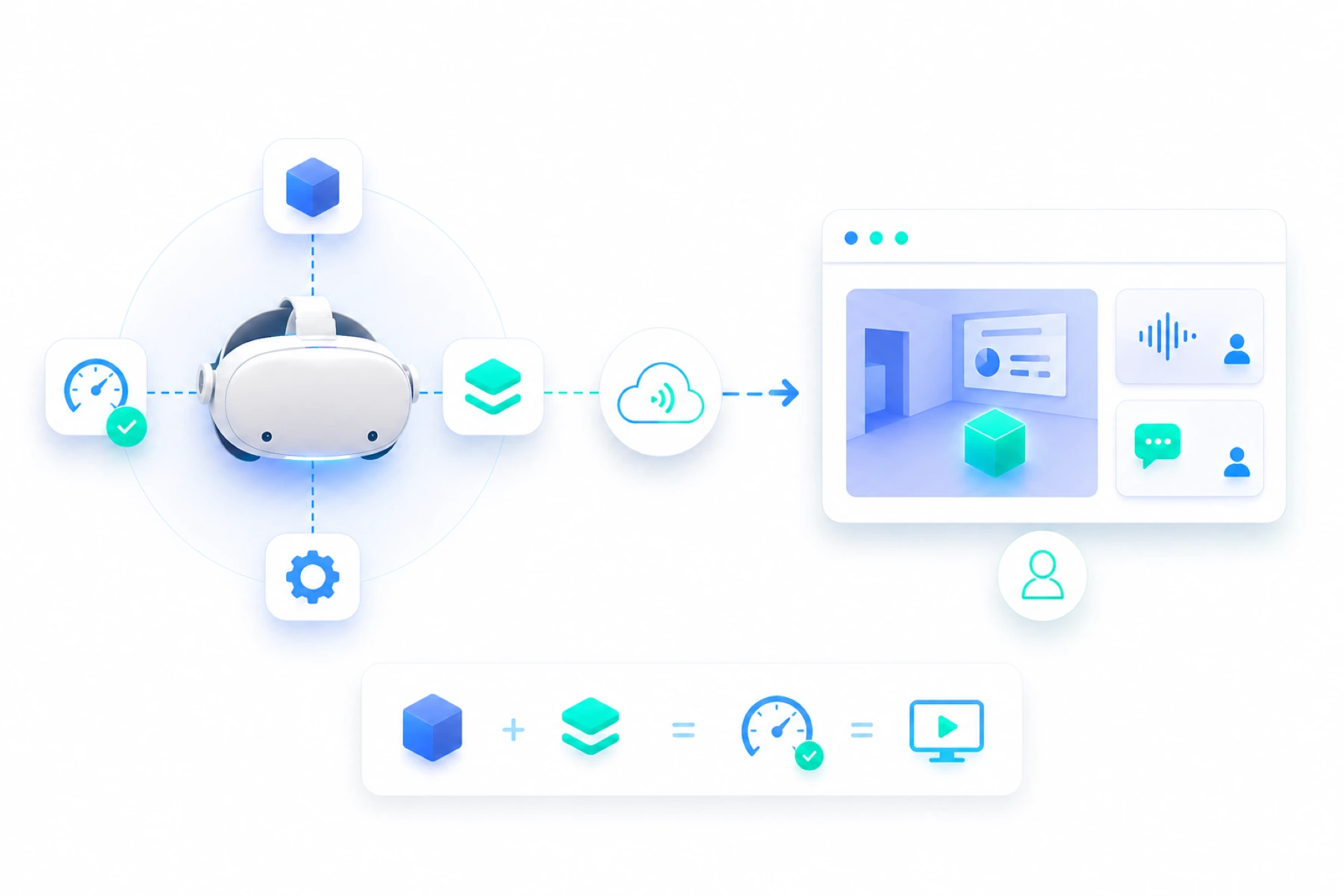
When guidance is needed, the XeeXR stream is started and the trainer receives the live view in the browser dashboard. This means existing XR content does not need to be modified, and Remote Guidance can be used directly as an additional guidance layer on top of existing XR applications.
Browser dashboard for the trainer, app in the standalone VR headset
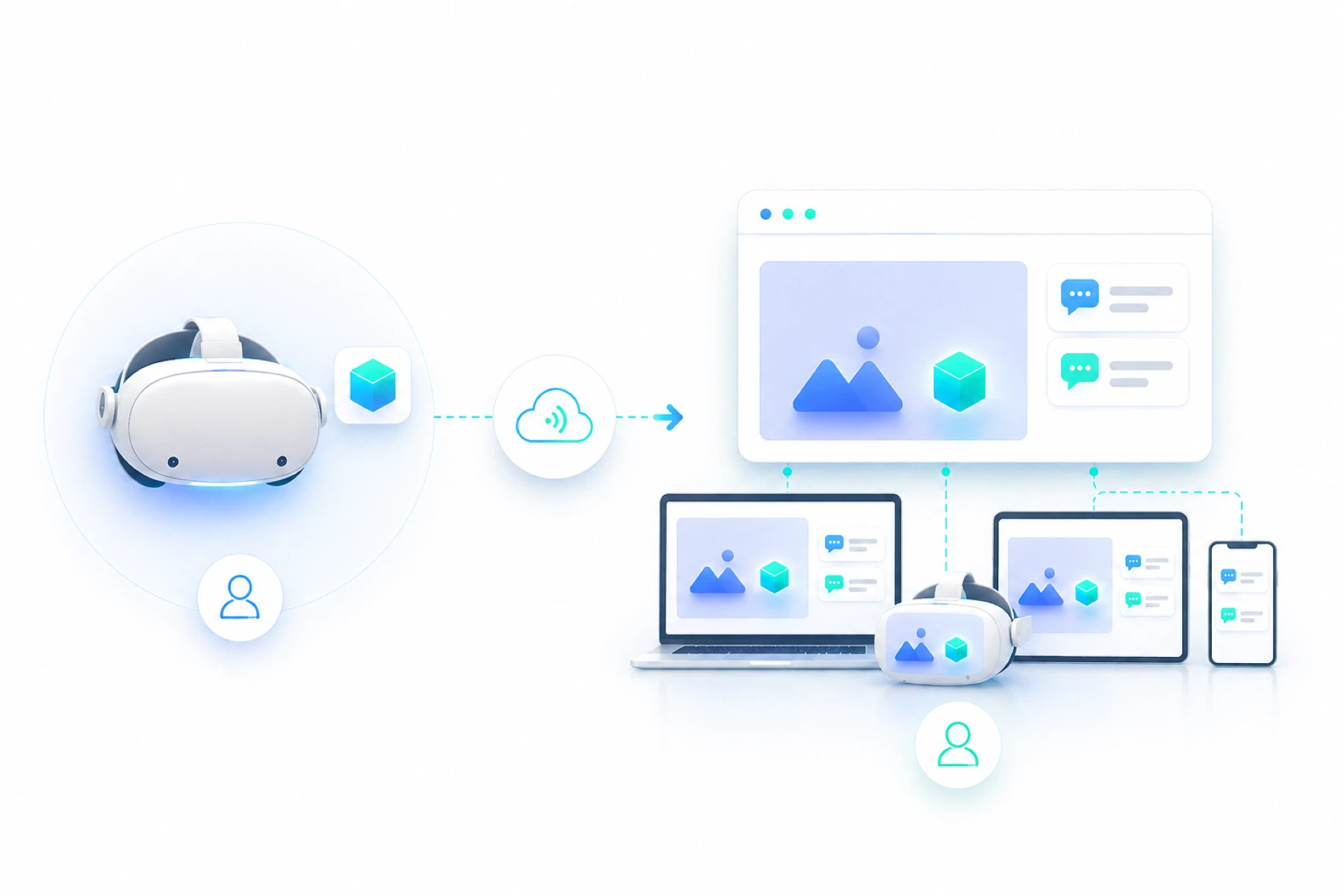
The trainer receives the XeeXR stream through a browser dashboard. This dashboard works on any suitable device with a browser, such as a laptop, desktop, tablet, or another VR headset. This means no separate software installation is required on the trainer side, and guidance can be started from virtually any location.
On the user side, the XeeXR Remote Guidance app is installed on the VR headset. This app enables the connection between the VR headset and the dashboard and allows the XR session to be streamed live to the trainer.
Live audio for direct guidance
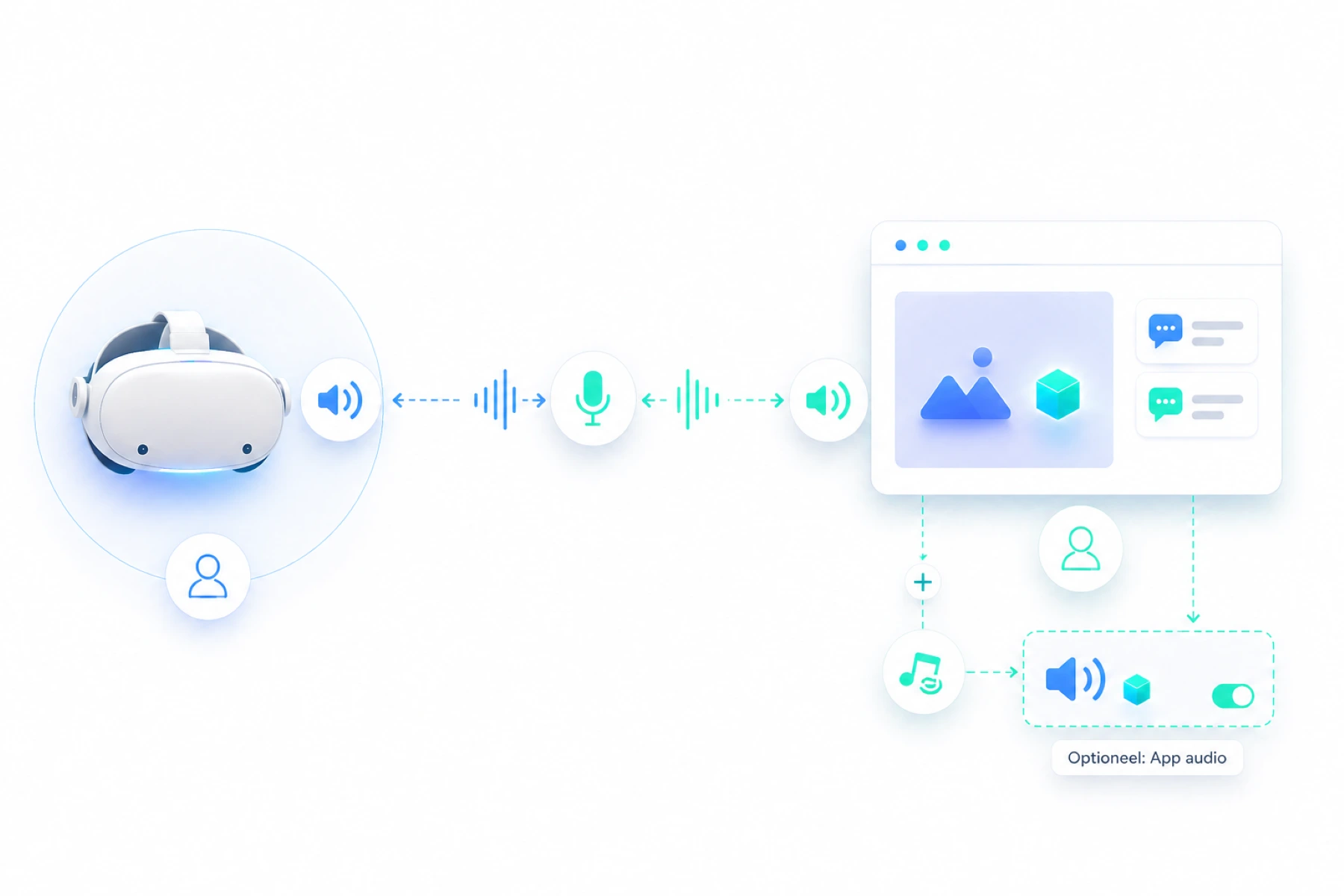
In addition to video, XeeXR Remote Guidance also supports live audio between trainer and user. This allows the trainer to explain, answer questions, and guide the participant step by step during the XR session without interrupting the training.
When needed, audio from the XR application itself can also be sent to the dashboard. This depends on the application being used and is applied flexibly, because application audio can be valuable for the trainer in some situations, while in others it may distract from communication with the user.
From XR single-player to functionally multi-user
Some VR, AR and MR applications are developed for one user in the headset. In these single-player applications, the experience is normally limited to the person running the session.
XeeXR Remote Guidance makes this individual XR session functionally multi-user. A trainer, expert or stakeholder can become part of the experience live, without wearing a headset or operating the original application.
This creates additional value from existing XR applications. Training sessions can be guided more effectively, decisions can be discussed together and mistakes can be corrected at the right moment. For applications that are already multi-user, XeeXR Remote Guidance mainly adds an external viewing and guidance layer.
High performance without impacting the external XR application
XeeXR Remote Guidance is developed to operate in real time without interfering with the XR application. The stream runs as a separate layer alongside the application, allowing the user to continue experiencing the training or simulation as intended.
This means the performance of the external XR application is preserved, without noticeable delay or loss of quality. At the same time, the trainer receives a stable and direct live stream, allowing guidance to take place smoothly and without interruption.
Remote Guidance Pricing
Start Your 14-Day Free Trial
See exactly what the user sees in the VR headset and provide immediate guidance while they use external VR, AR and MR apps. XeeXR Remote Guidance lets you guide users over the internet, directly from your browser.
Choose the plan that fits your organization.

Access for 1 remote guide
2 paired VR headsets
1 session at a time
Unlimited testing
No commitment

Access for 1 remote guide
10 paired VR headsets
1 session at a time
Unlimited use
Updates included

Access for multiple remote guides
More than 10 paired VR headsets
Multiple simultaneous sessions
Custom functionality
Clear Terms. You Stay in Control.
You know upfront what you are choosing, what you will pay and how you can cancel.
Free Trial: Start with No Commitment
Guide: Choose Flexibility or Savings
Scale: A Clear Proposal Tailored to Your Organization
Experience Remote Guidance for Yourself
Start your 14-day free trial and assess the live stream and two-way audio in your own work environment.
Only Starts After Your Approval
Pay by Invoice
Cancel Without the Hassle
Available Through Official App Stores
The XeeXR Remote Guidance app is available through the app stores and distribution platforms listed below. Download and install the app through trusted channels compatible with supported VR headsets.




How to get started with Remote Guidance
Create your XeeXR account, install the Remote Guidance app and pair your VR headset with the XeeXR Dashboard using a QR code. You can then start your first session right away.
Create your XeeXR account
Go to portal.gotoviar.com and register your XeeXR account.
After signing in, open the XeeXR Dashboard from the GOTOVIAR Portal.
For the best experience, use Google Chrome for both the portal and the dashboard.
Install the XeeXR Remote Guidance app
Download and install the XeeXR Remote Guidance app using the distribution method that best suits your VR headset and organization:
- Meta Horizon Store for supported Meta Quest VR headsets
- PICO Business Store for supported PICO VR headsets
- SideQuest for supported Meta Quest and PICO VR headsets
- ArborXR for organizations that centrally manage and deploy apps
- GOTOVIAR Portal to download the APK directly and install it manually
After installation, open XeeXR Remote Guidance so you can pair the app with your XeeXR account.
Generate your QR code
In the XeeXR Dashboard, go to Apps and select Add App. Choose Remote Guidance, enter a recognizable name for the connection and generate the QR code.
The VR headset does not need to be in the same location. You can send the QR code to the headset user. The code remains valid for five minutes.
Pair the VR headset
Open XeeXR Remote Guidance on the VR headset and select Pair Remote Guidance. Then scan the QR code displayed in the XeeXR Dashboard.
Once scanned, the app is paired with your XeeXR account and the VR headset automatically appears in the dashboard. Has the QR code expired? Simply generate a new one.
Start the Remote Guidance session
Select Connect in the XeeXR Dashboard and Start Session in the Remote Guidance app. You can complete these actions in either order.
On the VR headset, grant permission to share the entire screen. The live connection with the dashboard will then be established.
Open the external XR app
Open the external VR, AR or MR app you want to use. Its live view will appear in the XeeXR Dashboard and the Remote Guidance session is now active.
Benefits
The benefits of Remote Guidance
Better guidance
Trainers see exactly what a participant is doing in the VR headset and can intervene directly during the training. This helps correct mistakes faster and increases training effectiveness.
Greater return
Existing XR applications and training programs are used more effectively because guidance becomes easier to deploy, without requiring modifications or additional development projects.
Less travel
Physical presence is no longer required, allowing trainers to guide multiple participants remotely from one central location and eliminating travel time completely.
Faster onboarding
New users receive direct support while using XR, helping them become familiar with the environment faster and significantly shortening the learning curve.
Get in Touch
Experience Remote Guidance in practice
Would you like to see how XeeXR Remote Guidance works first, or discuss how it can be applied within your organization?
Contact us for a demo or trial setup and discover the possibilities directly.